
Blog category

Support

Step-by-step guides for NuIQ’s Listen, Import, Summary, Type and telehealth features, plus microphone troubleshooting.

support

How To Enable Microphone Access on iOS

When you tap the record button in Q-Notes, your browser should ask for your permission to access your device’s Microphone. If you are not seeing this request and are getting an error about Microphone permissions, please follow these steps. Enable Safari Microphone Permissions When set to Ask, your permission will be requested for each website…

Read MoreHow To Enable Microphone Access on iOS


support

How to Use the Type Feature on NuIQ

The Type feature on NuIQ allows you to manually input or paste your session notes, which are then processed to generate structured clinical documentation. This guide will walk you through the process of using this feature effectively. Requirements Before using the Type feature, ensure you have: Steps to Use the Type Feature Step 1: Access…

Read MoreHow to Use the Type Feature on NuIQ
support

How to Use the Import Feature on NuIQ

The Import feature on NuIQ allows you to upload pre-recorded audio files of your therapy sessions, which are then transcribed and processed to generate structured notes. This guide will walk you through the process of using this feature effectively. Requirements Before using the Import feature, ensure you have: Steps to Use the Import Feature Step…

Read MoreHow to Use the Import Feature on NuIQ
support

How to Use the Summary Feature on NuIQ

The Summary feature on NuIQ allows you to narrate a concise overview of your therapy session, which is then processed to generate structured notes. This guide will walk you through the process of using this feature effectively. Requirements Before using the Summary feature, ensure you have: Steps to Use the Summary Feature Step 1: Session…

Read MoreHow to Use the Summary Feature on NuIQ
support

How to Use Telehealth Features on NuIQ

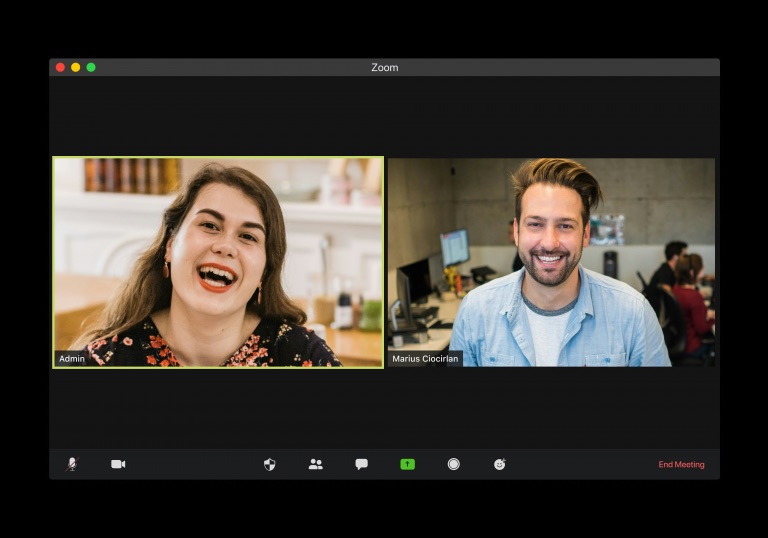
In this guide, we’ll walk you through the steps to use telehealth features on NuIQ. This guide is applicable for both Mac and Windows users. We’ve also included troubleshooting tips to resolve common issues you might face. Requirements Before using the Telehealth feature, ensure you have: Steps to Use Telehealth Features Step 1: Start and…

Read MoreHow to Use Telehealth Features on NuIQ
support

How to Use the Listen Feature on NuIQ

The Listen feature on NuIQ allows you to record your therapy session in real-time and generate structured notes. This guide will walk you through the process of using this feature effectively. Requirements Before using the Listen feature, ensure you have: Steps to Use the Listen Feature Step 1: Session Recording and Review Step 2: Note…

Read MoreHow to Use the Listen Feature on NuIQ